Introduction
1 Sign up to Anaconda (do it once)
Sign up using your personal or University email address.
Advice: do not use your University password.
2 Log in to Anaconda (do it for each lab)
Login to https://anaconda.com/app/
Choose “Notebooks” in the Explore Anaconda section:

- Open the file browser (from the left side menu bar)
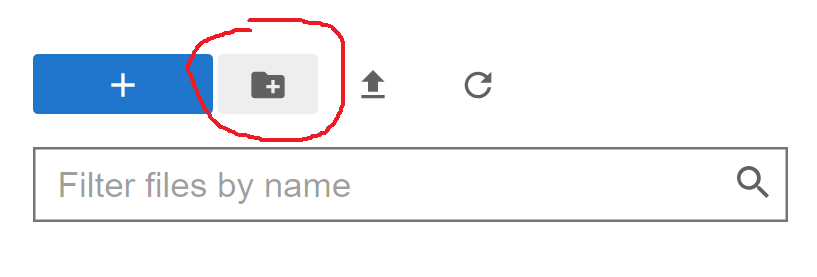
- Create a folder for all files related to this module:
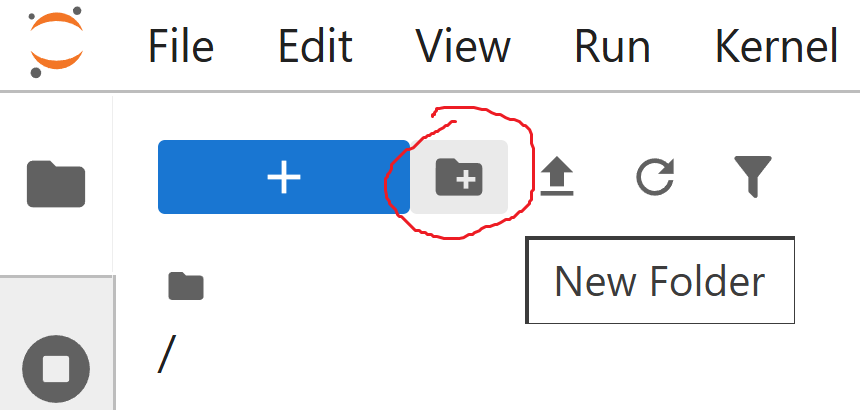
and name it, e.g., “MA-M27”.
Open the created folder.
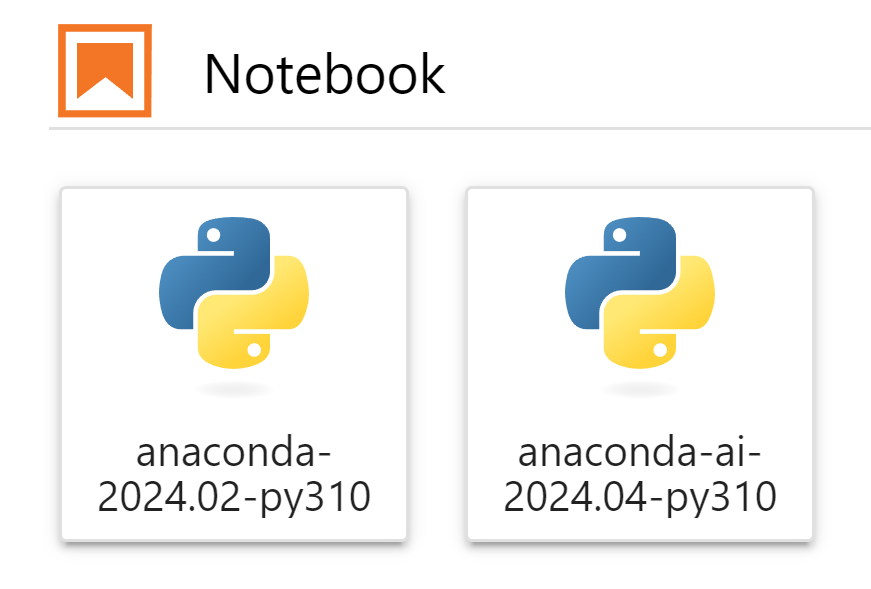
Press blue button with “+”

and choose any of anaconda-notebooks:
- Rename the created file

e.g. to “Lab1.ipynb”, “Lab2.ipynb” etc.